This guide will walk you through the process of creating a listing to sell your waste or recycled commodities on the WasteTrade marketplace. The process is quick and easy to complete and this step-by-step guide will show you how.
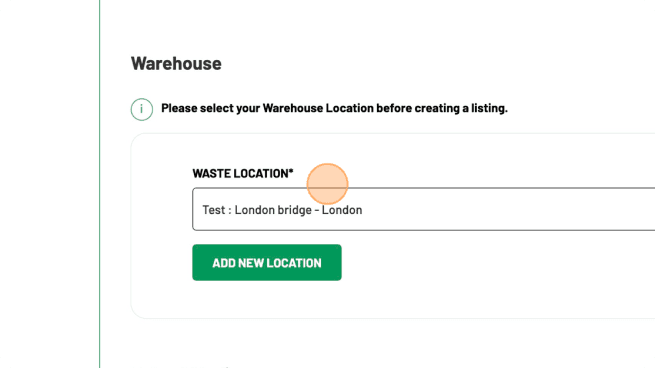
2. Select Location

Now it is time for your to add the information about the materials you have to sell. The first thing we need to know is where the material is. You can let us know where the commodities you are selling are in the field provided.

3. Upload Images

A listing that can be priced

Add polymer or metal, form, packing, monthly tonnes and clear photos. See how to take a photo.

Frequently asked questions

How do I add a listing on WasteTrade?

Register, choose available or wanted, describe the material and publish. Verified counterparties can then offer.

Trade this material on WasteTrade

WasteTrade is a live waste marketplace for verified buyers and sellers. List surplus material or browse current demand without leaving this guide.

Related WasteTrade pages

  • Create a wanted listing
  • Sell a load
  • Marketplace